-
Runsible - Accessories & Parts 3
-
Community 3
-
Support 3
-
Warranty & Returns 7
-
Shipping 7
-
Orders 6
-
Before You Buy 6
-
About Fun-Tech-Lab 4
-
Runsible - Tips & Best Practices 4
-
Runsible - Care & Maintenance 4
-
Windsible - Getting Started 6
-
Runsible - Troubleshooting 6
-
Runsible - Using Runsible 6
-
Windsible - Tips & Best Practices 6
-
Windsible - Accessories & Parts 6
-
Windsible - Troubleshooting 15
-
Windsible - Using Windsible 8
-
Runsible - Getting Started 4
No Fog Output


Read this article if the fan is running but no fog reaches the test area.
Applicable Models
All Windsible Models
Possible Causes
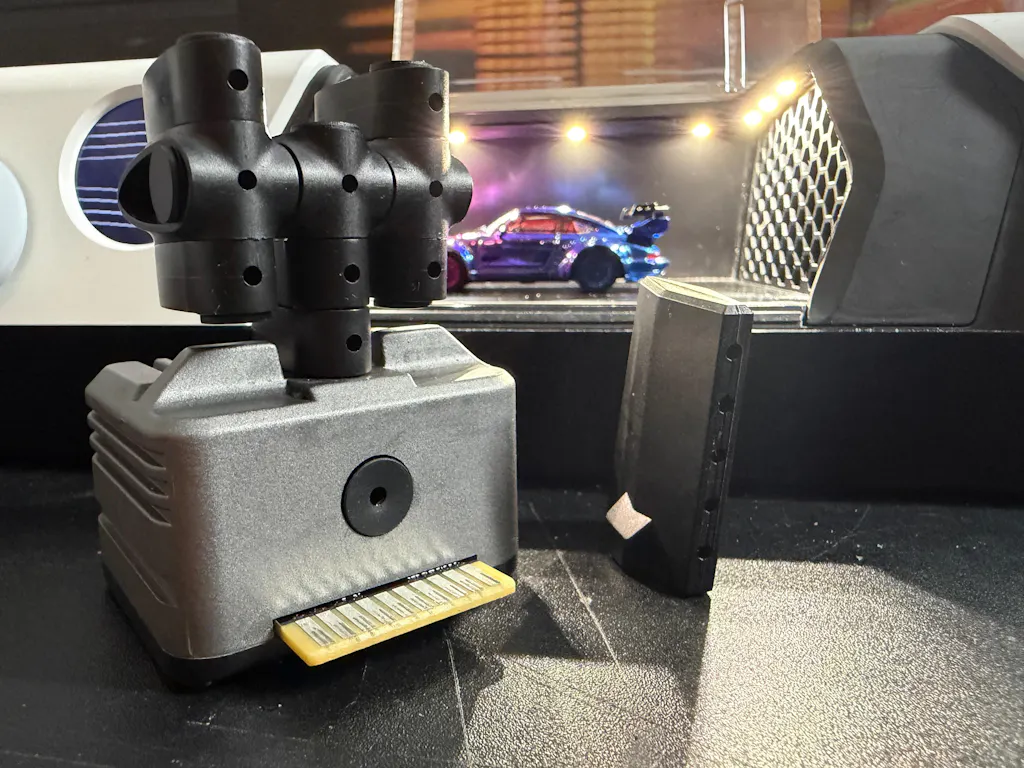
- Fogger not installed correctly.
- Fogger not detected.
- Nozzle blocked.
- Fog fluid level incorrect.
- Error 0xA2.
Follow the Steps Below
- Confirm the fogger is fully installed.
- Check the fog fluid level.
- Increase Emission Speed or Fogger Power.
- Clean the nozzle using the supplied cleaning tool.
- Restart the device.
If Error 0xA2 Appears
See Error Codes for additional troubleshooting.
If the Issue Persists
Prepare your order number, Engineering Page information, and a short video before contacting support.
Related Articles
- Weak Fog Output
- Cleaning the Nozzle
- Error Codes


esc