-
Runsible - Accessories & Parts 3
-
Community 3
-
Support 3
-
Warranty & Returns 7
-
Shipping 7
-
Orders 6
-
Before You Buy 6
-
About Fun-Tech-Lab 4
-
Runsible - Tips & Best Practices 4
-
Runsible - Care & Maintenance 4
-
Windsible - Getting Started 6
-
Runsible - Troubleshooting 6
-
Runsible - Using Runsible 6
-
Windsible - Tips & Best Practices 6
-
Windsible - Accessories & Parts 6
-
Windsible - Troubleshooting 15
-
Windsible - Using Windsible 8
-
Runsible - Getting Started 4
First Setup


Follow this guide when setting up Windsible for the first time. Correct setup helps prevent common issues such as weak fog, inaccurate fog fluid remaining time, or poor airflow visualization.
Applicable Models
All Windsible Models
Before You Begin
- Place Windsible on a stable, flat surface.
- Make sure there is enough space around the air inlet and outlet.
- Use the original or recommended power adapter.
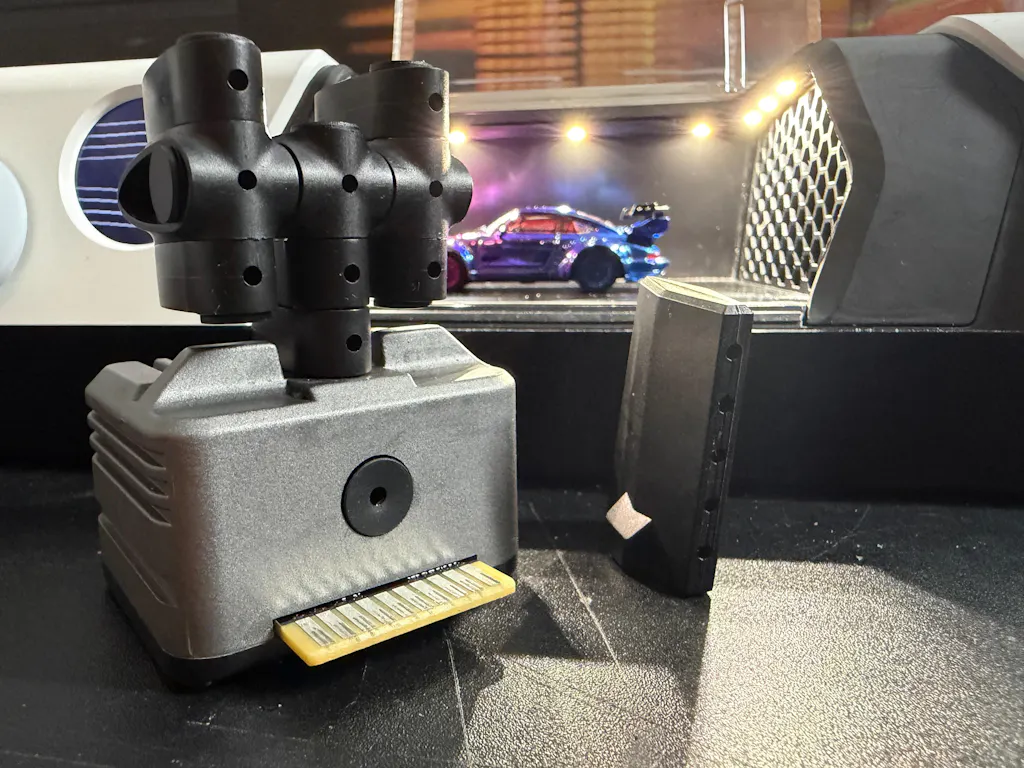
- Confirm that the fogger and filter are installed correctly.
Add Fog Fluid
- Open the front cover.
- Open the rubber cap on the fogger.
- Slowly add Fun-Tech-Lab Fog Fluid.
- Do not fill beyond the maximum level.
- Close the rubber cap securely after filling.
Power On
- Connect the power adapter.
- Turn on the device.
- Start with moderate airflow and fog settings.
- Observe whether fog and airflow are working normally.
After Refilling
After adding Fog Fluid, calibrate the fog fluid level from the secondary menu so the remaining-time display can update more accurately.
Related Articles
- Controls Overview
- Fog Fluid Calibration
- How Long Does Fog Fluid Last?


esc